Your phone’s volume might feel too low sometimes — whether you’re watching YouTube, playing music, using TikTok, or watching a movie. Many people look for a simple solution to increase their phone’s speaker volume without damaging the device. That’s exactly where a Volume Booster comes in. This guide explains how a volume booster works, the safest ways to increase your phone’s sound, the best apps to use, and which hidden settings can maximize your audio output instantly.
Why Phone Volume Feels Low
Before boosting your volume, it’s important to understand why it feels low in the first place. Here are the most common reasons:
- Manufacturers limit volume to protect your ears and speakers.
- Dust blocks the speaker grills and reduces output.
- Equalizer settings lower your high-frequency sounds.
- Low-quality media players suppress audio.
- Bluetooth devices have built-in volume restrictions.
The good news? All these issues can be fixed — safely — by using the right tools and techniques.
What Is a Volume Booster?
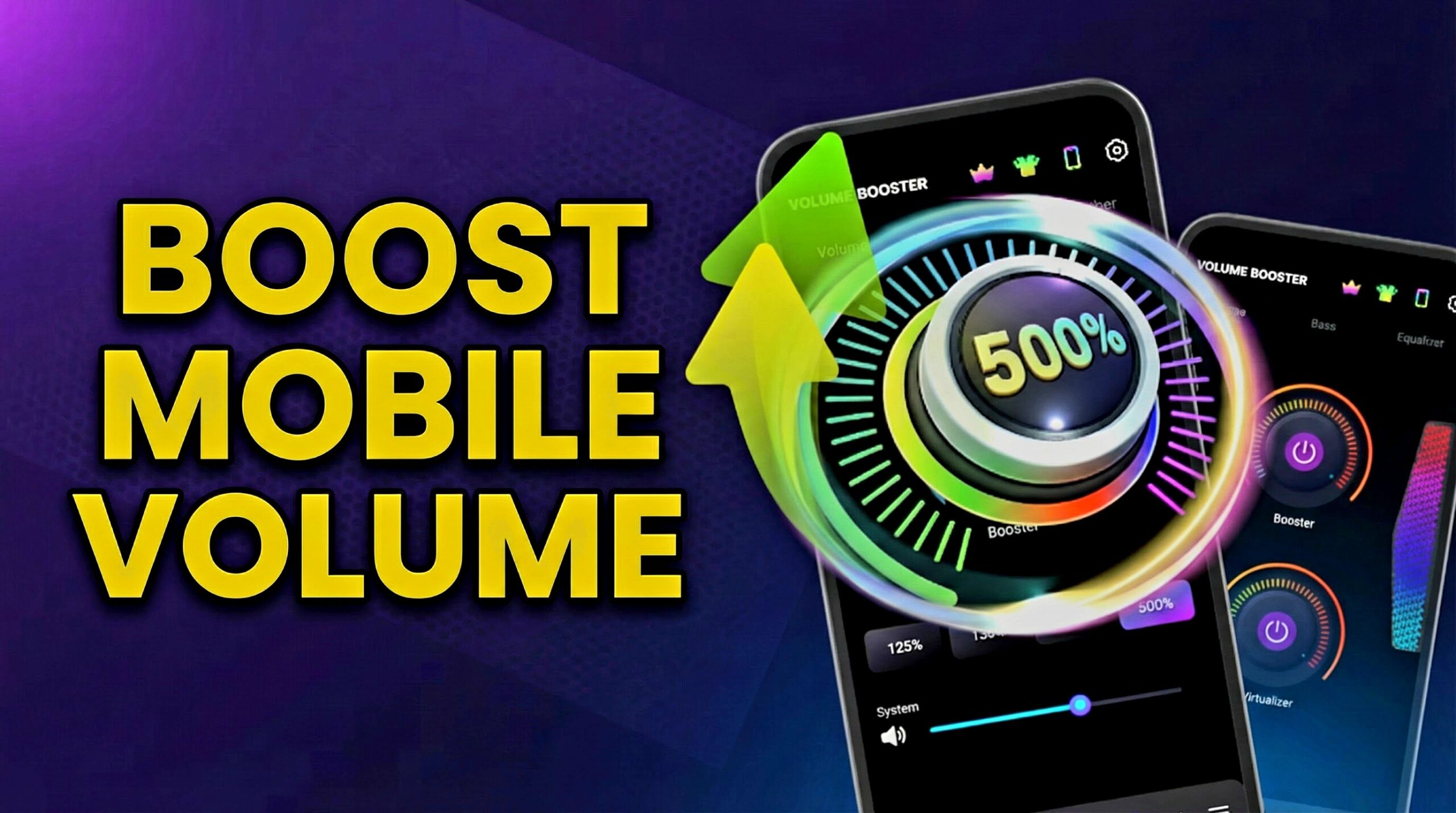
A Volume Booster is an app or built-in phone feature that increases your device’s sound output beyond the default system limit. It can enhance:
- Speaker volume
- Bluetooth volume
- Headphone sound output
- Bass and treble clarity
- Audio balance
Some boosters use digital amplification. Others modify audio frequency curves to increase perceived loudness without harming hardware.
Is Using a Volume Booster Safe?
Here’s the thing: a quality volume booster is safe as long as you use it responsibly. Avoid continuously using maximum levels. Good apps show safe volume zones and alert you when you’re going too high. Also, modern phones include automatic protection to stop harmful spikes.
Best Features to Look for in a Volume Booster App
Not all apps are equal. Choose a booster with features like:
- Equalizer Controls – lets you adjust frequencies for better clarity.
- Bass Boost – improves low-frequency sound for music.
- Virtualizer – creates an immersive audio experience.
- Volume Stabilizer – prevents sudden loud spikes.
- Safe Limit Warning – protects your speakers.
- UI Simplicity – easy to use, even for beginners.
A strong combination of these features ensures a balanced, powerful, and safe sound experience.
Hidden Phone Settings to Boost Volume Without an App
1. Use Accessibility Audio Amplification
Many modern phones offer an Accessibility menu that allows volume adjustments beyond standard levels. Inside this setting, you can control audio balance, mono audio, and channel boosting. Companies include these options to support people with hearing challenges, but they work perfectly for boosting sound.
2. Enable Dolby Atmos (If Available)
Dolby Atmos significantly improves clarity, depth, and loudness. You’ll find it in Sound Settings on Samsung, OnePlus, Xiaomi, Vivo, and many others.
3. Turn Off Volume Limiter
Some phones limit your headphone or Bluetooth volume. Go to:
Settings → Sound → Volume Limiter → Disable
4. Clean Your Speakers
Even a small layer of dust can cut the volume by half. Cleaning the speaker grill with a brush, toothpick, or blower instantly boosts loudness.
5. Change Your Media Player
Apps like VLC and MX Player allow volume levels up to 200% safely.
How to Use a Volume Booster App (Step-by-Step)
Step 1 — Install a Trusted Volume Booster App
Choose a well-rated booster from the Play Store to ensure safety and stability.
Step 2 — Open the app and allow the required permissions to enable proper functionality
The app may request these permissions:
- Modify audio settings
- Access media playback
- Run in background
- Draw over other apps (for floating volume control)
Step 3 — Boost Your Volume
Use the slider or percentage bar to increase your volume. Keep it within the safe 30–70% boost range for daily use.
Step 4 — Customize Audio Filters
Adjust bass, treble, equalizer presets, and virtualizer effects for your preferred sound.
Step 5 — Save Your Preferred Sound Profile
Many apps allow multiple profiles like Movie Mode, Gaming Mode, Bass Boost, or Super Loud. Save them for instant switching.
Benefits of Using a Volume Booster
- Clearer sound while watching movies
- Louder audio outdoors
- Better headphone bass
- Enhanced music experience
- Improved gaming sound effects
- Increased voice clarity for calls
- More enjoyable TikTok and Reels experience
Best Volume Booster App (Recommended)
Here is a popular, high-rated app you can try. It offers high volume boost, bass enhancement, equalizer features, and safe usage controls.
Download Volume Booster App
Want to make your phone sound louder? Click the button below to install the official Volume Booster app from the Google Play Store and boost your volume safely.
Safety Tips for Using a Volume Booster
- Avoid full boost for long periods.
- Use safe listening mode for headphones.
- Do not keep speakers at 100% for hours.
- Give your phone breaks to prevent overheating.
- Clean speaker grills regularly.
Final Words
A Volume Booster can completely transform your phone’s audio experience — as long as you use it responsibly. Whether you’re boosting music volume, enhancing movie sound, or improving clarity for reels, these methods make your phone sound louder and clearer without causing damage. Try the recommended app and follow the settings to get the most out of your device.