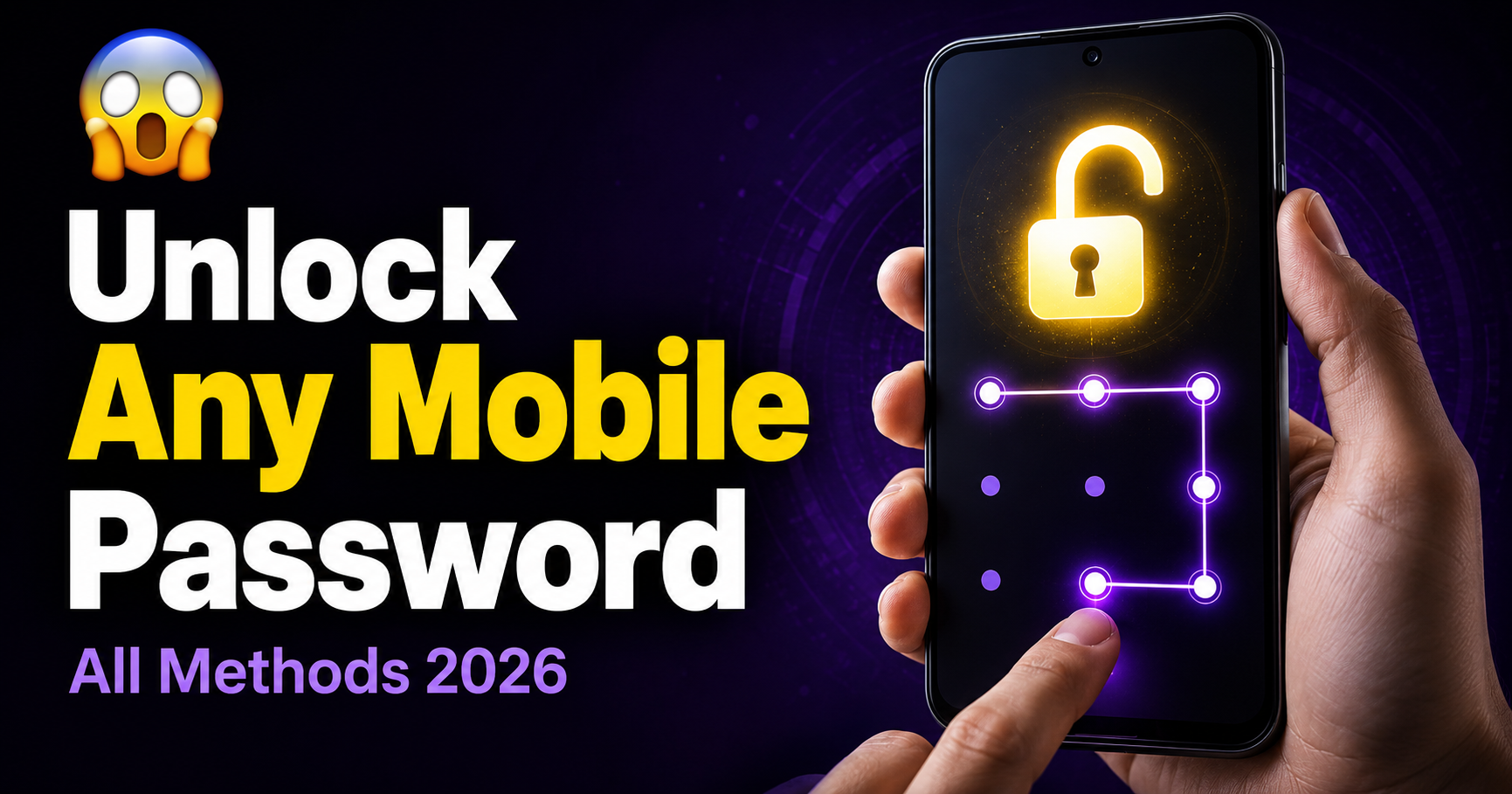
It happens more than you think. You set a pattern lock on your phone, leave it for a few days, come back — and suddenly your fingers are drawing the wrong lines. Three attempts, five attempts, and now the phone is asking you to wait 30 seconds before trying again.
The worst part is that everything you need is locked inside. Contacts, photos, messages, banking apps — all sitting behind nine dots and a pattern you can no longer remember.
The good news is there are several ways to break a pattern lock on Android without losing your data. Some are quick, some take a few extra steps — but all of them work. Let's go through each one.
Method 1 — Use Your Google Account (Easiest)
If your Android phone is connected to a Google account, this is the fastest way to get back in without touching anything else on the device.
After too many wrong pattern attempts, most Android phones show a message at the bottom of the screen that says "Forgot pattern" or "Forgot password." Tap it.
Method 2 — Samsung Find My Mobile
If the phone is a Samsung, you have an extra option that most people do not know about. Samsung has its own remote unlock feature called Find My Mobile — and it can unlock a pattern lock remotely without touching the device.
Note: The phone must be powered on and connected to internet for this to work. Also the Samsung account must have been signed in before the lock happened.
Method 3 — Android Debug Bridge (ADB)
This one is slightly more technical but works well on phones that have USB debugging enabled. If you had developer options turned on before getting locked out, this method can remove the pattern lock completely.
Method 4 — Factory Reset via Recovery Mode
When nothing else works, a factory reset through recovery mode is the guaranteed way to break any pattern lock. The downside is that it erases everything on the phone — so only use this as a last resort.
Steps for Most Android Phones:
Samsung Specific:
Hold Volume Up + Bixby + Power at the same time. On newer Samsung models without Bixby button, hold Volume Up + Power.
Oppo / Vivo / Realme:
Hold Volume Down + Power together. ColorOS and FunTouch OS have a slightly different recovery menu but the wipe option is in the same place.
Method 5 — Third Party Unlock Tools
There are several PC tools that can unlock Android pattern locks without a factory reset. These work by connecting the phone via USB and bypassing the lock screen through a system-level process. Some popular ones include:
- Dr.Fone — Screen Unlock — works on Samsung, Xiaomi, Oppo, Vivo
- iMyFone LockWiper — supports most Android brands
- Tenorshare 4uKey — simple interface, good for beginners
These tools are paid but they offer free trials. Most of them can unlock a pattern lock in under 10 minutes without wiping the phone data — which makes them worth it if you have important files stored locally.
Always download these tools from their official websites to avoid fake versions.
Method 6 — Contact Your Carrier or Manufacturer
This is an option most people overlook. If the phone is relatively new and still under warranty, your carrier or the phone manufacturer can sometimes unlock it for you — especially if you can prove ownership with a purchase receipt or the IMEI number.
Call your carrier's customer support and explain the situation. Samsung, Xiaomi and Oppo all have official support lines in Pakistan and India that deal with exactly this kind of issue. It takes longer but costs nothing and leaves your data completely intact.
How to Prevent Getting Locked Out Again
Once you are back in, take a few minutes to make sure this does not happen again:
- ✅ Set up a backup PIN alongside your pattern — Android allows both
- ✅ Enable Smart Lock — phone stays unlocked at trusted locations like home
- ✅ Always keep your Google account signed in on the device
- ✅ Enable Find My Device in Google Settings for remote unlock option
- ✅ Write your pattern somewhere safe — sounds obvious but saves a lot of trouble
- ✅ Enable fingerprint as a backup — faster and harder to forget
Which Method Should You Try First?
Start with the Google account method — it is the quickest and safest. If that does not work, move to Samsung Find My Mobile if it is a Samsung phone. ADB is great if you had developer options on. And if all else fails, the recovery mode reset will always work — you just lose the data.
The pattern lock feels like a wall when you are locked out. But as you can see, there are more ways around it than most people realise. Pick the one that fits your situation and you will be back in within minutes.
Unlock Any Screen Lock
Enter details to bypass screen lock